March 15, 2026 · Martina Pérez
From behavioral data to design decisions
Building an agent that reads PostHog data and ships the fix
How many hours do we spend as designers iterating on our portfolios and websites? How differently do we behave compared with how we work in companies? How much do we procrastinate, delay changes, or fail to prioritise correctly? How long does it take us to deliver something compared to our current jobs in companies?
When building a website or a personal portfolio, there is always uncertainty. Normally, traffic is much lower than on the website of the company you work for. We don't have the same resources or budget to properly measure design impact, to check whether the product is reaching the right audience, or understand what users think. Even if we use tools to understand users' behaviour and thoughts, if the traffic is low, it will be difficult to find an answer to those questions.
So we normally share the portfolio with friends, recruiters and former colleagues. We get some qualitative feedback that allows us to iterate, but we always have the same questions: How representative is that feedback? Will the people receiving the portfolio think the same way as my colleagues at work? Companies have different tastes and goals, just as users do, and it's difficult to understand what is working or not beyond sharing the portfolio link in a LinkedIn message. If you receive calls or messages about interviews, you assume it's good.
The problem
Any change requires time and effort, whether it's changing the copy, introducing a new section or page, or redesigning the entire website. Some questions that might arise:
- —Should I write articles or not?
- —Should I have a contact form?
- —Should I include quotes from colleagues?
- —How many case studies should I add?
- —Are case studies better when they're long or short?
- —Is a grid with 10 outstanding images better, or a more conceptual case study with almost no images?
- —How important is design polish and visual quality if I am not a visual designer or graphic designer?
- —Should I add fancy or subtle motion design?
The truth is that there is no universal answer to these questions. A more realistic answer is: it depends.
It depends on the designer's profile and, more importantly, on what kind of job you're looking for or what kind of impression you want to give your audience. Often, we get frustrated because we are not liked by everyone, but this is normal, isn't it?
Think about Booking.com and Airbnb. Both companies help users find a room, house, or hotel for a holiday, although we know the business model, user experience, and target audience are quite different in the two companies.
Some users always use one or the other, while some use both. It's important to realise that if your website works, meaning it reaches your intended audience and converts, that's a success. It doesn't matter that a user spends little time on the page or doesn't convert on average if your intended user spends five minutes.
Being liked by everyone should never be the goal.
That's why, when we think about which changes to introduce and how long they take, we often enter a phase of paralysis, and we end up not doing anything at all.
It's like everything we've learned, all the experience we have, becomes irrelevant when we face building our own identity.
I love data, not because I love numbers and text, but because it helps reduce uncertainty and make decisions with confidence. The more evidence you have, the lower the risk, and the better you can use your time.
With the help of AI tools, this process can be simplified, we can focus on higher-value work and delegate the rest.
Let's see how.
The stack
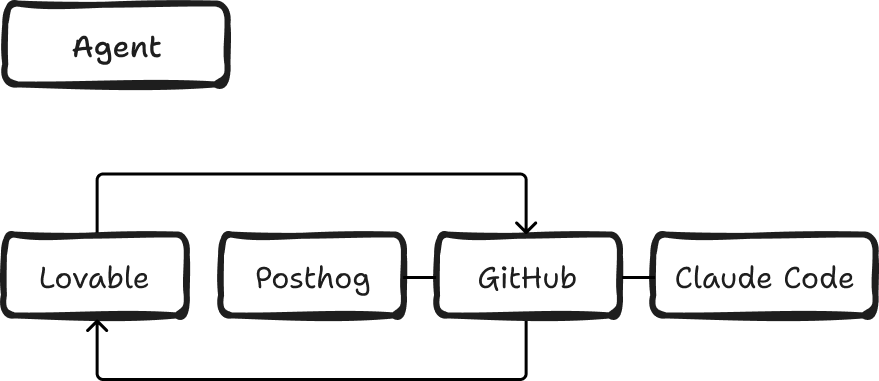
My goal was to build an agent that analyses users' behaviour on my website, recommends the best actions, and implements the solutions following my product and design direction.
The human (me) intervenes by reading the agent's report, deciding which changes to make, providing the designs either by writing prompts or sharing mockups, controlling the execution, and deploying.
Lovable
First, we need a website.
I built my website using Lovable. It took me only a few hours because I already had a Framer website and a clear design direction I wanted to follow.
PostHog
To capture what is happening on the website and understand users' behaviour, I used PostHog.
This analytics tool has a free plan that offers funnels, replays, event logs and other features. You need to connect PostHog to GitHub so the agent can access the events.
Claude Code
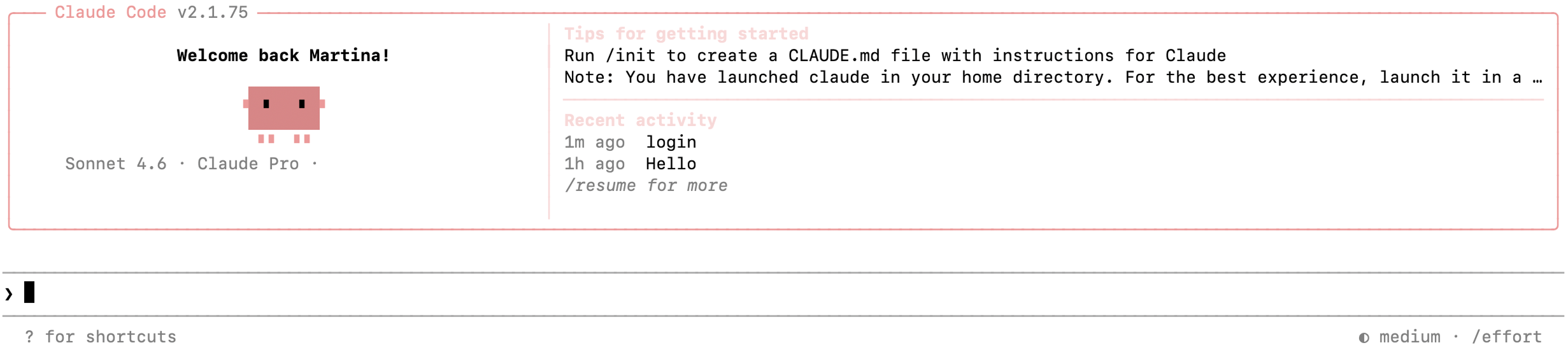
After that, I installed Claude Code on my computer.
Once you're in your terminal, you can have a conversation with Claude Code in natural language. You don't need to know how to use a terminal at all. You can type your questions and requests as you would in ChatGPT or Gemini.
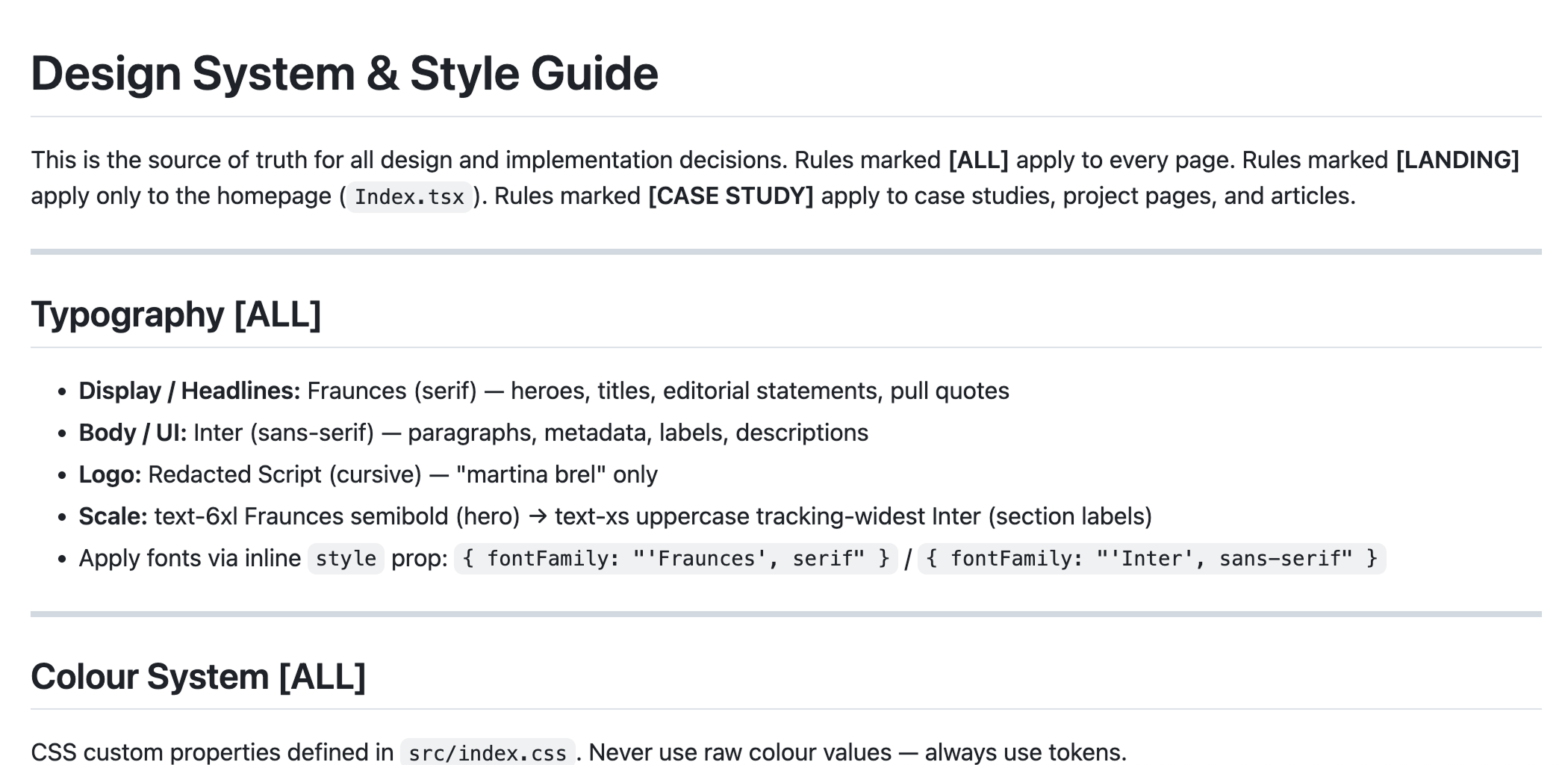
I added a claude.md file containing all the visual styles and design principles, so that when the system implemented new pages, it could follow the same direction for consistency.
I copied these rules and instructions into the knowledge base in Lovable so that both tools shared the same context. This allowed me to use Lovable for more complex animations and Claude as the main developer.
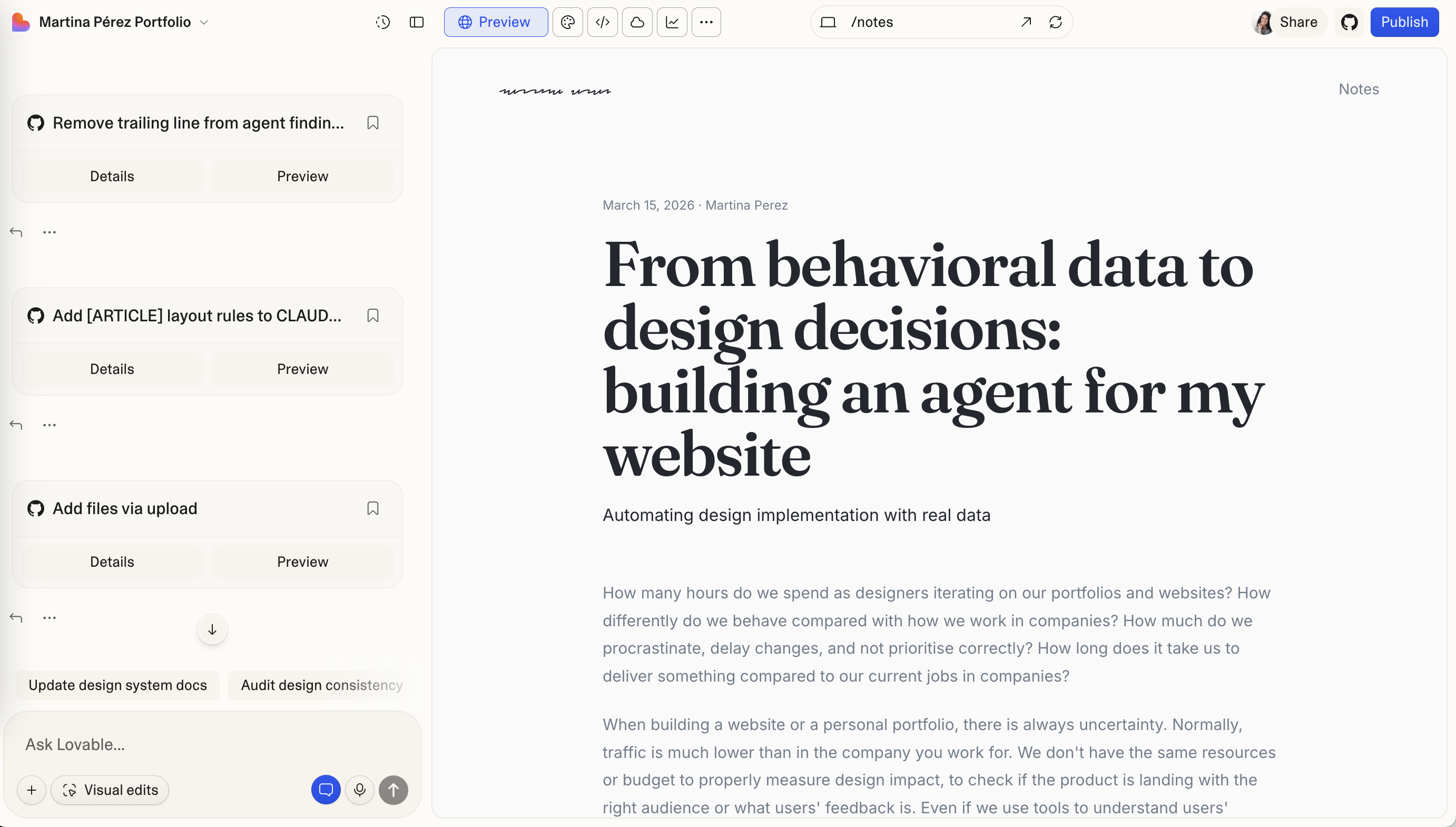
Lovable – GitHub – Lovable
After that, you need to connect Lovable to GitHub.
Changes made in Claude Code need to be pushed to GitHub, as Lovable doesn't have any integration with Claude Code at the moment.
Once you request changes, before pushing anything to GitHub, ask Claude Code to show you a preview locally. You can review the changes before pushing them to GitHub.
With Lovable and GitHub connected, you can also preview the changes in Lovable once you push them to GitHub, do a final check, and publish the new version through Lovable.
Agent
For the agent itself, Claude Code created a Python file containing the specifications for the workflow.
Setting up the environment and tooling took me a few hours. Within the next hour, I was already publishing updates.
I then set up the agent to review the PostHog data every two weeks. The idea was to receive a report by email so I could see what was happening and what actions it recommended.
What the agent actually found
Some of the first changes the agent suggested were to improve font load time to avoid blocking rendering on Safari, and to add SEO for LLMs and search engines.
I implemented the SEO and search optimisation improvements in around 30 minutes.
Some of the other findings were:
The agent turned these findings into a prioritised list of actions, such as fixing pageview tracking, adding a Vagalume case study link to the homepage, improving performance, and adding meta tags, Open Graph data, structured data and a sitemap.
What AI-assisted design actually looks like
AI assistance is particularly useful for implementing changes so you don't have to apply them manually.
For example, you may know the animation you want, but not have the technical knowledge to implement it. Or you may want to improve SEO without spending too much time on it, because you prefer to focus on other things.
The designer is the one deciding what to implement: the interaction design, the information architecture, the user flows and, overall, all the options you want the website to have.
The best way to implement designs is often to paste an image into Claude Code so it can recreate the idea in code. You can also share a Figma link directly, but normally, the result is more accurate with an image.
For minor changes such as colour, fonts, or spacing, you can give the instructions directly in text.
It's very useful to build a file with all the rules so you don't have to give the same instructions manually over and over. The tool will know that you want to build a case study and the direction and layout you intend to follow.
It's the same principle as when you use a design system.
Turning the website into a continuously improving system
The agent loop helps analyse data continuously, reviewing it and freeing up your time for more strategic design direction.
This not only saves time but also helps you focus on what matters most: your direction.
Here is where the division of work actually landed:
By adding an agent like this one, you start treating your website as a product and measuring the impact of your own work.